 CarDash Launcher
Music control
Cover art, progress, seeking and like — the player is built into the dashboard.
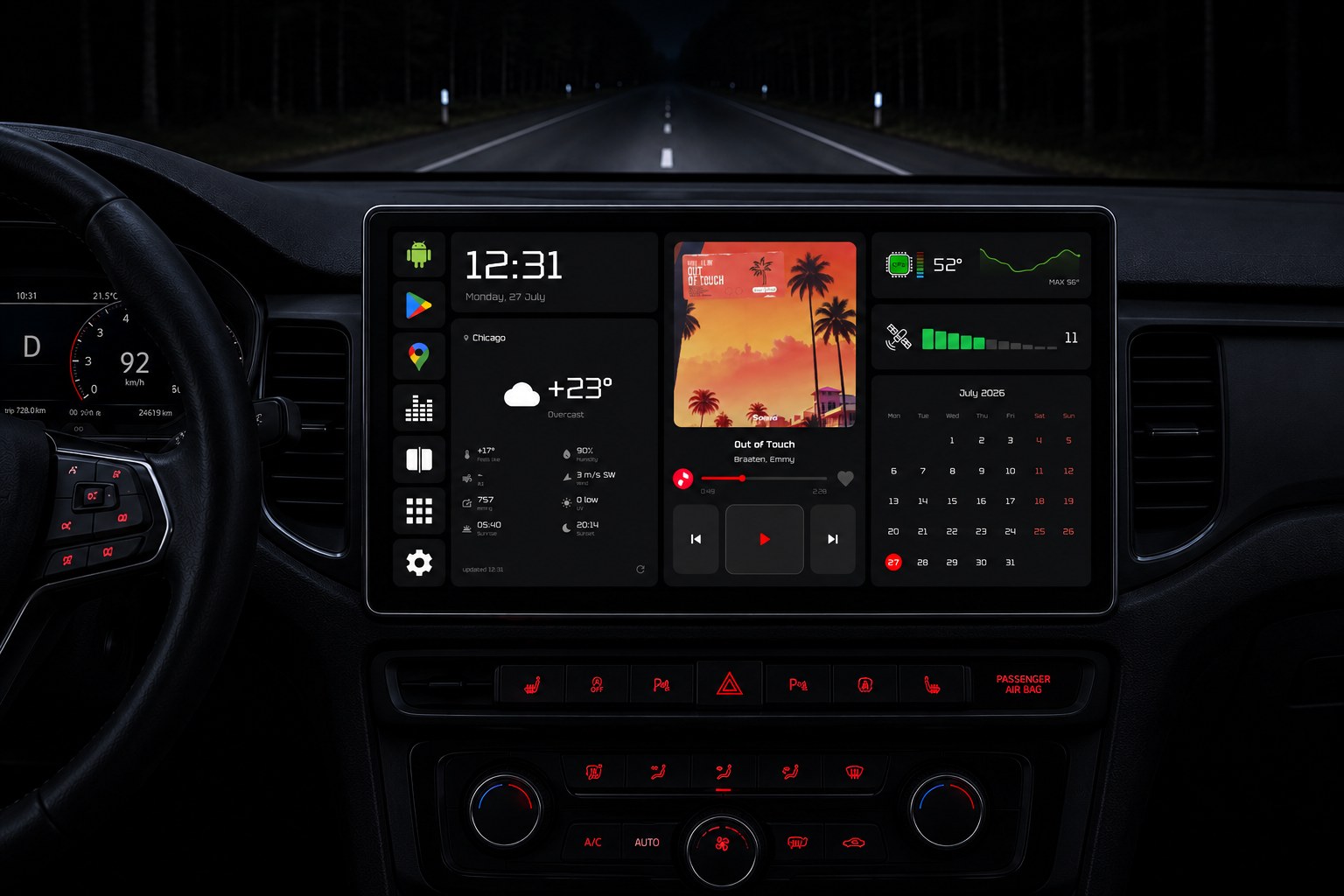
Dashboard themes, widgets, music control and vehicle data over OBD — on the screen of your Android head unit.
Three ready-made home screen layouts, from a dense widget grid to a large media player with a video background. Themes switch with one tap.
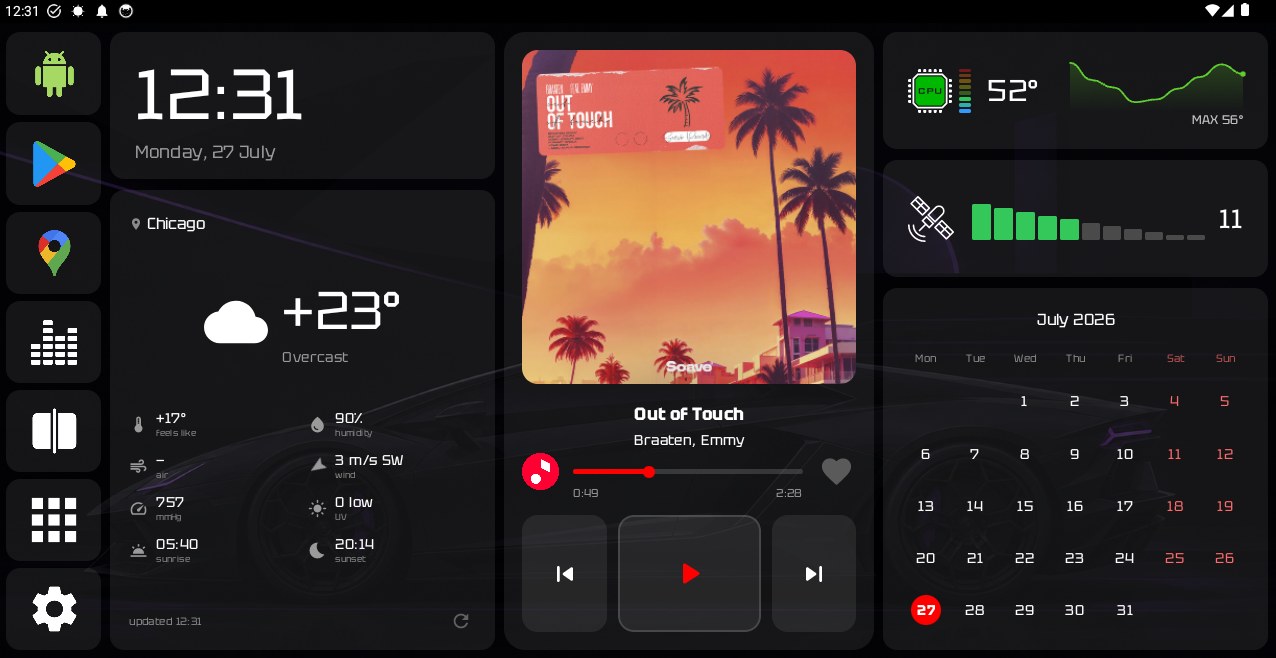
Player, calendar, weather and app panels on the left and right.
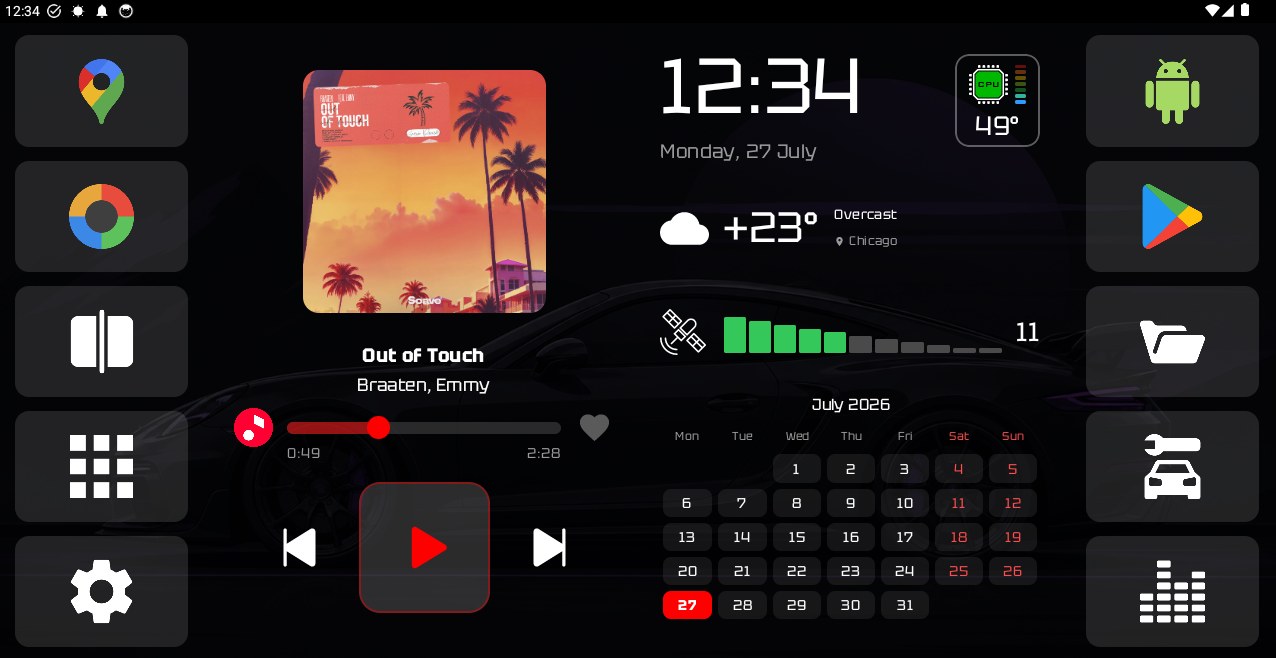
Clock, detailed weather, a large player, sensors and a calendar.
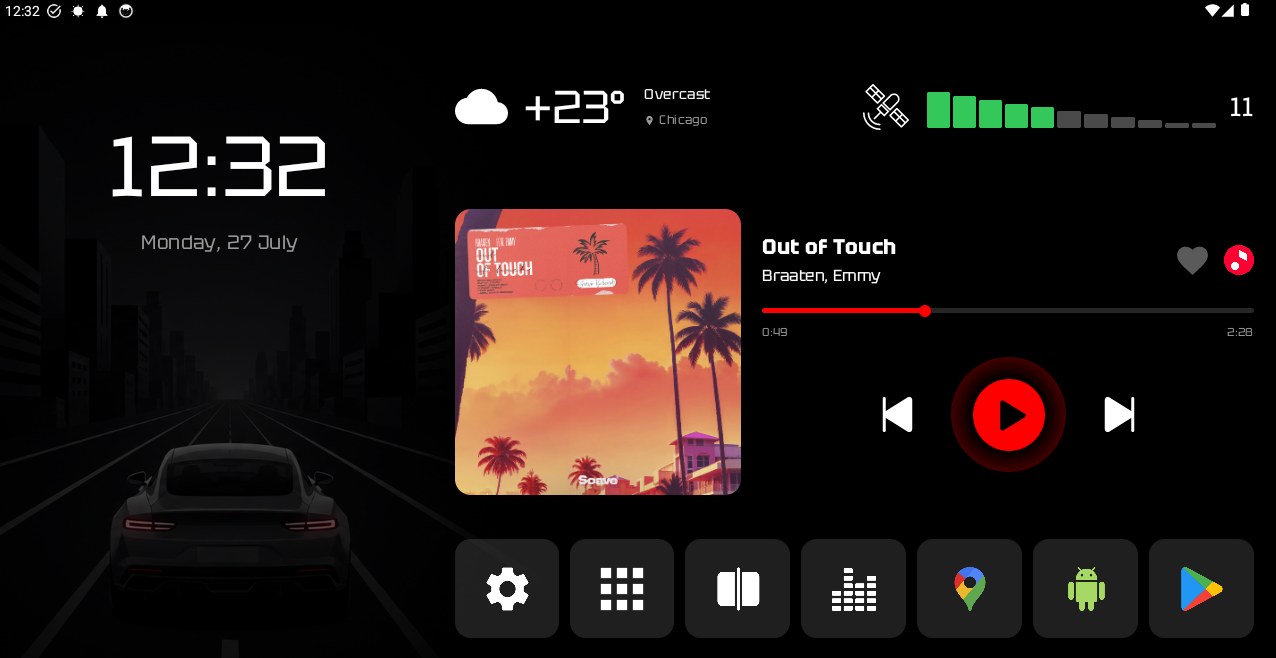
Video background, large player buttons and quick access to apps.
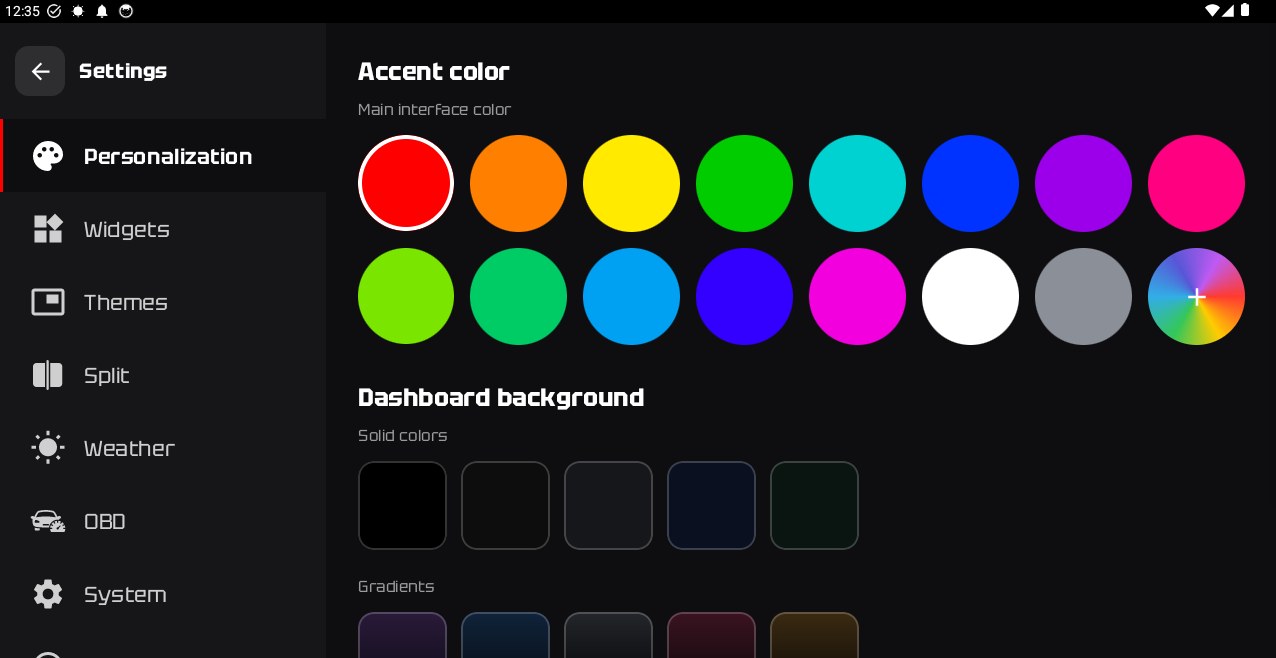
The dashboard background can be a solid color, a gradient, an image from the gallery or a looping video. The accent color for the whole interface is set separately.
The dashboard shows the clock and date, weather, a calendar, GPS signal level and the device CPU temperature with a graph. The weather, calendar, GPS and CPU temperature blocks can be replaced with widgets from installed apps.
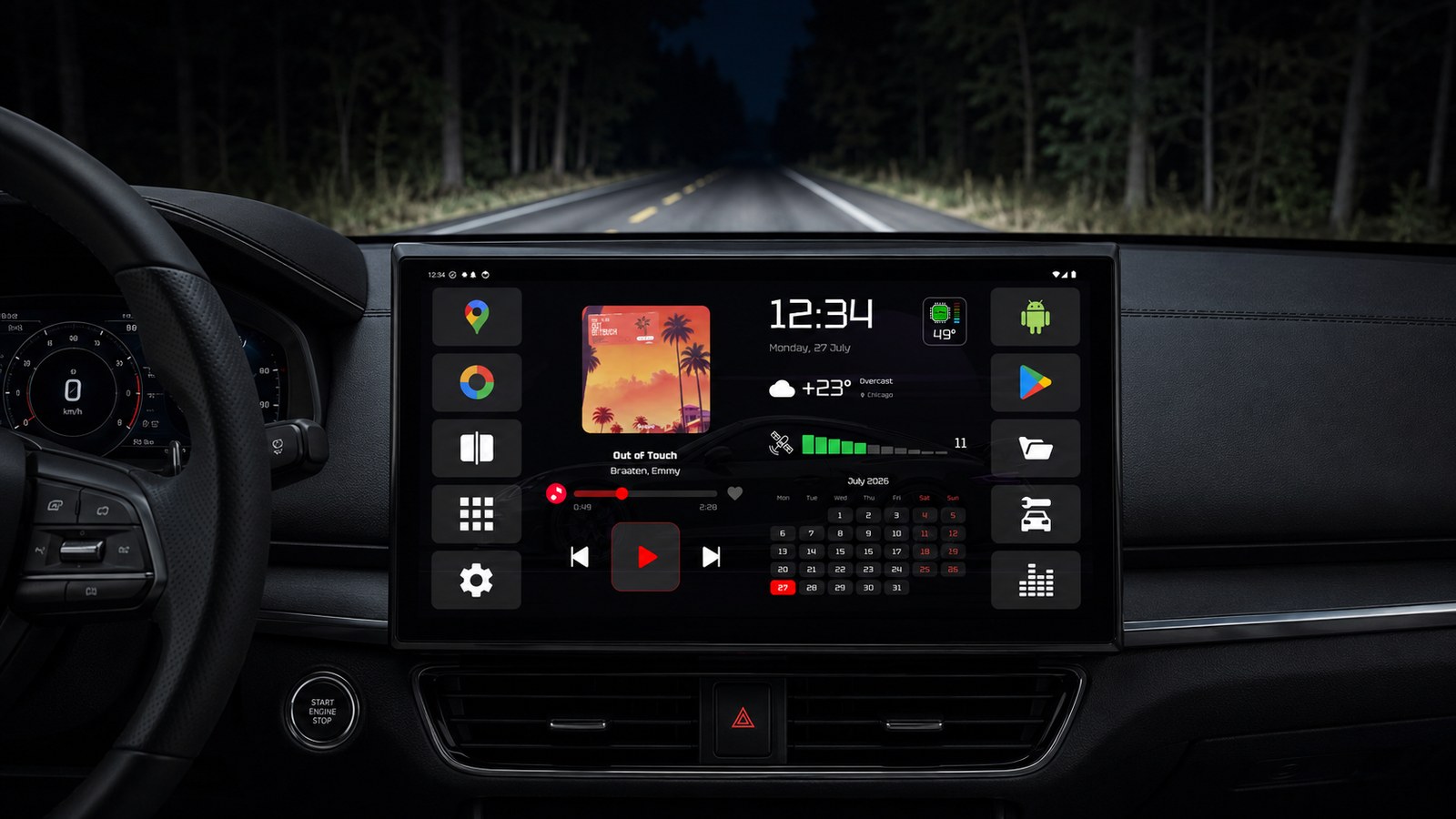
Cover art, progress, seeking and like — the player is built into the dashboard.
Two apps side by side — navigation and media at the same time.
App panels along the edges of the screen.
Check for and install new versions from the launcher.
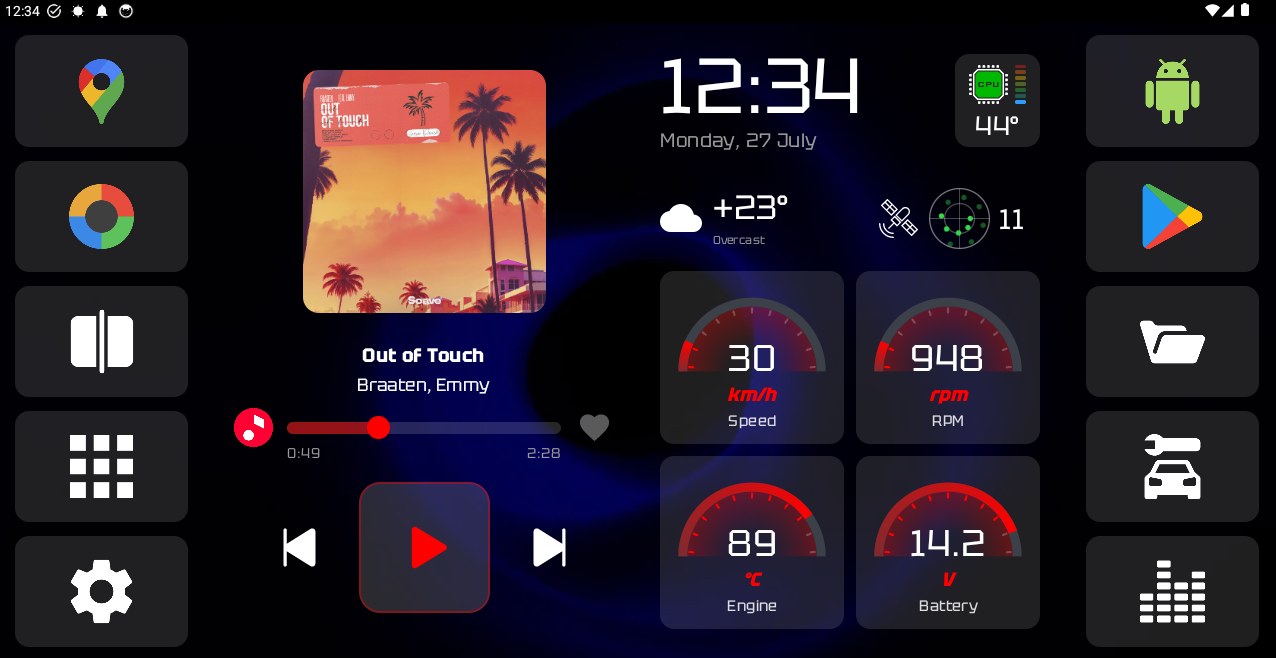
With any ELM327 Bluetooth adapter, the launcher reads vehicle data and shows it on the head unit dashboard: RPM, speed, engine temperature, battery voltage and other parameters.
Once you select the adapter, the launcher detects the protocol automatically and starts polling. The set of gauges is configurable; budget adapters and various protocols are supported, from CAN to K-line.
Free, no ads, no sign-up. APK for Android head units, version 1.413.
Download the APK from GitHub Releases to the head unit.
In Android settings, allow installation from unknown sources.
Open the APK in a file manager and install it.
Set CarDash as the default launcher and set up the dashboard.
A home screen (launcher) for Android car head units. It replaces the stock home screen with a dashboard with themes, widgets, music control and vehicle data from an OBD adapter.
Android car head units, from budget Chinese models to premium ones. Android 8.0 or newer is required.
Not yet. The launcher is designed for typical head unit screens: landscape, close to 16:9. Portrait and very wide (narrow) screens are not supported yet; support is in development.
Yes. The app is free, and the APK is available on GitHub.
No, the launcher works fully without it. OBD is only needed for vehicle data; any ELM327 Bluetooth adapter will do.
Download the APK, allow installation from unknown sources in Android settings, open the file in a file manager and install it. Then set CarDash as the default launcher.
Yes. The launcher is lightweight and runs reliably on budget Chinese head units with slow processors. Android 8.0 or newer is required.
No. Root access is not required; CarDash installs and works as a regular launcher.
Go to Settings → Apps → Default apps → Home app and select the stock launcher. Or uninstall CarDash, and the system returns to the previous one.
There are no ads. The launcher and dashboard work offline; internet is only needed for online widgets (weather) and update checks.